Rill Camera
How to add new camera
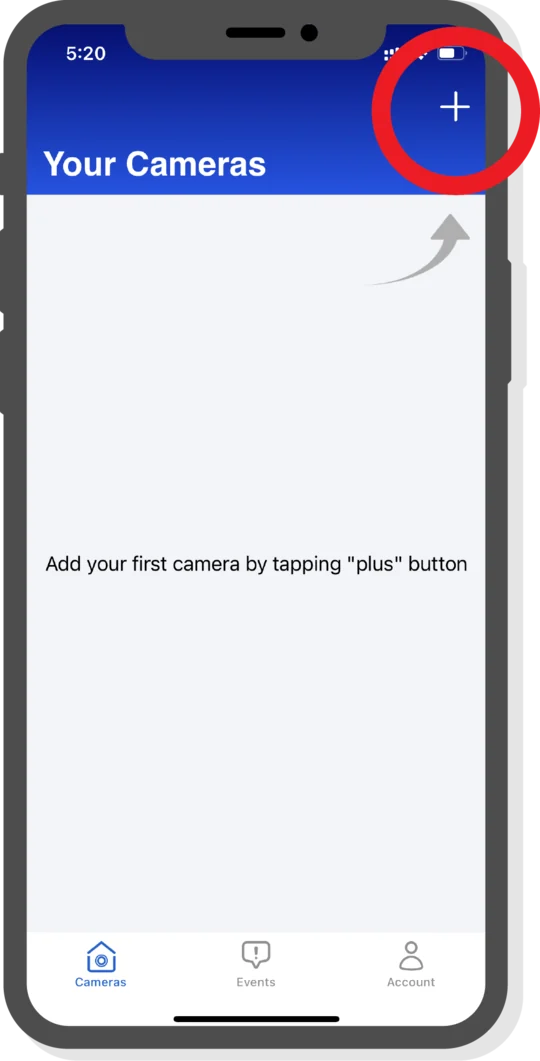
1. Tap the "+" plus button in the right upper corner.
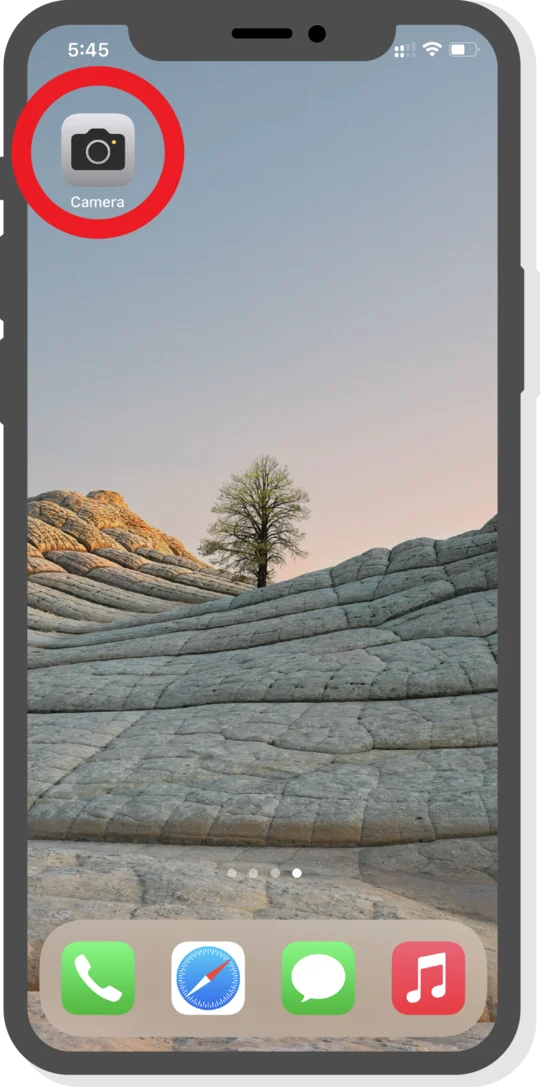
2. Take your second device and launch the camera.
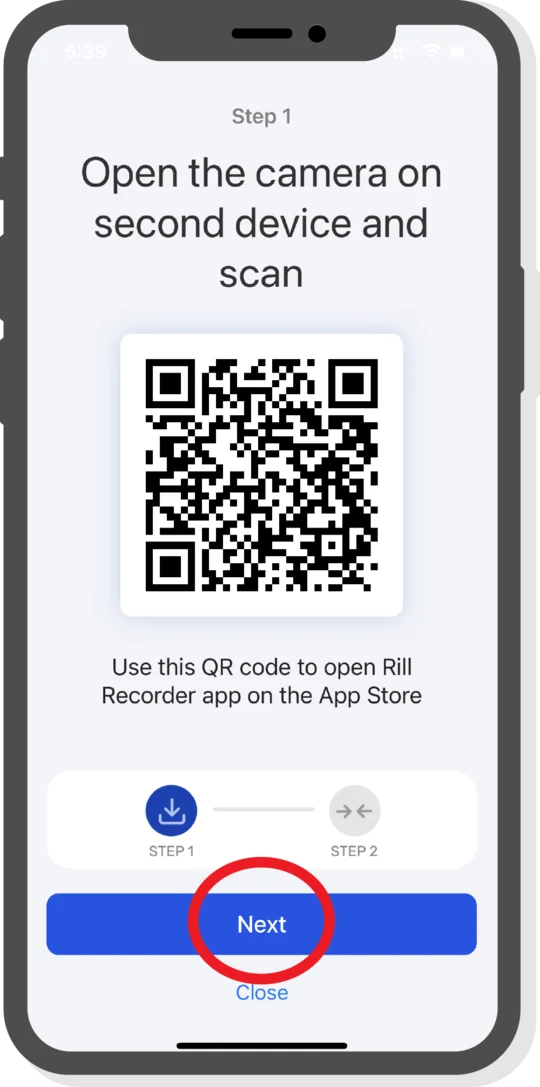
3. Point the camera at the first QR code to scan and find the Rill Recorder app on the App Store. Install it.
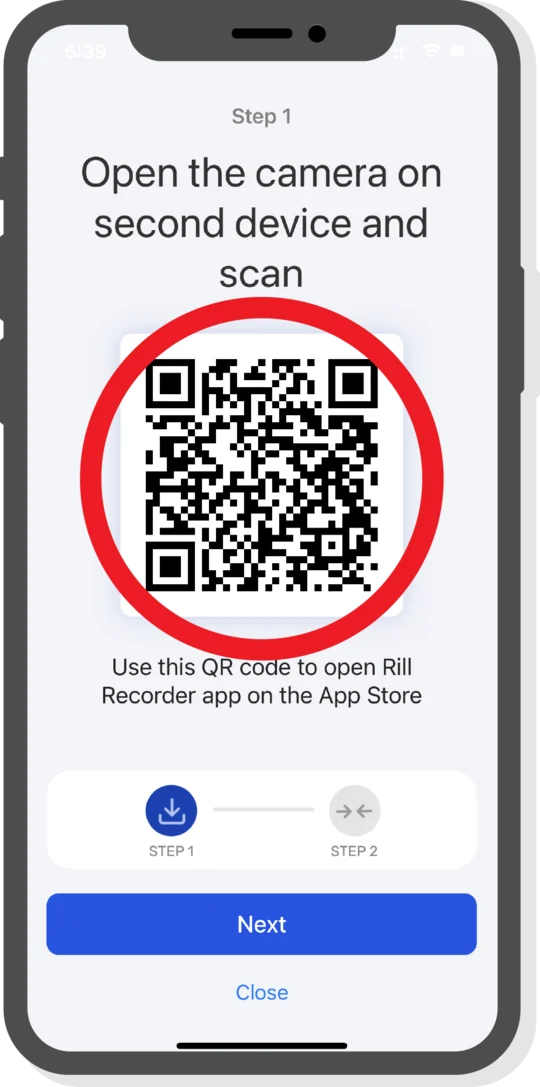
4. Tap the Next button to show the second QR code.
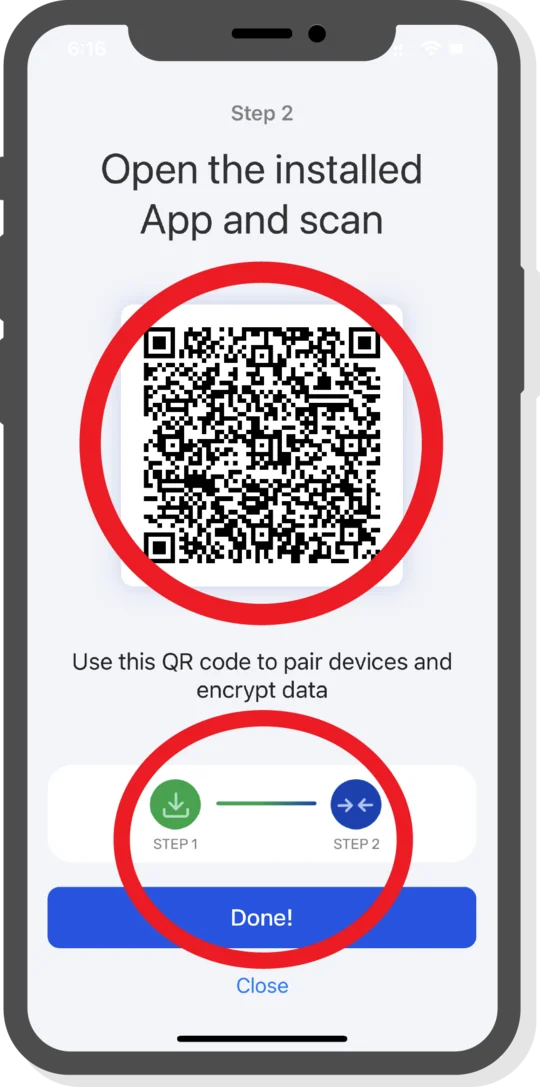
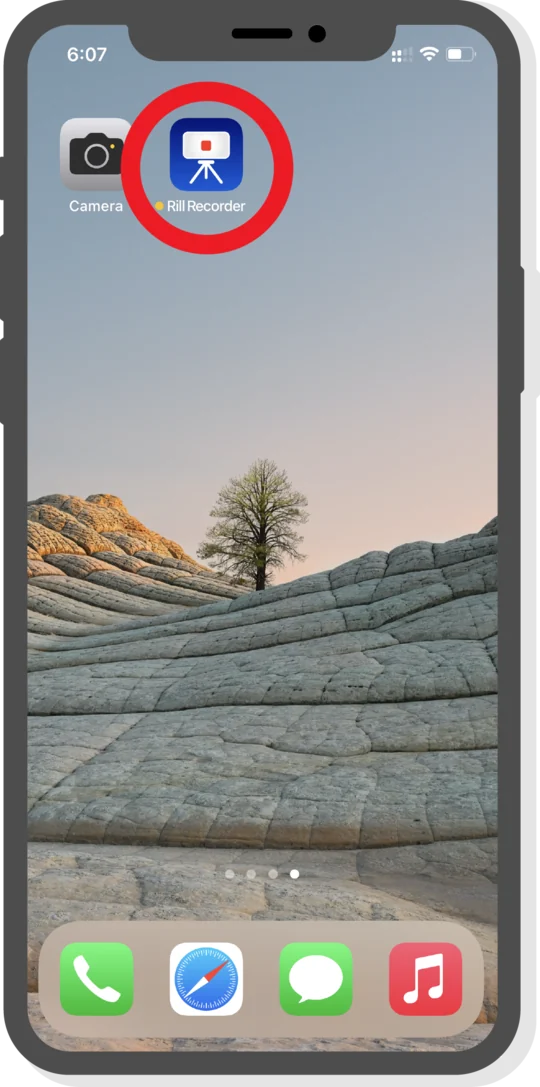
5. Launch the Rill Recorder app on your second device.
6. Point the Rill Recorder app and scan the second QR code to pair devices with the unique encryption key.
You are all set!