 Rill Camera
 Sound and Motion detection
A unique integrated sound and motion detection system that keeps you constantly informed.
30 days event storage by subscription
$2.99 per month

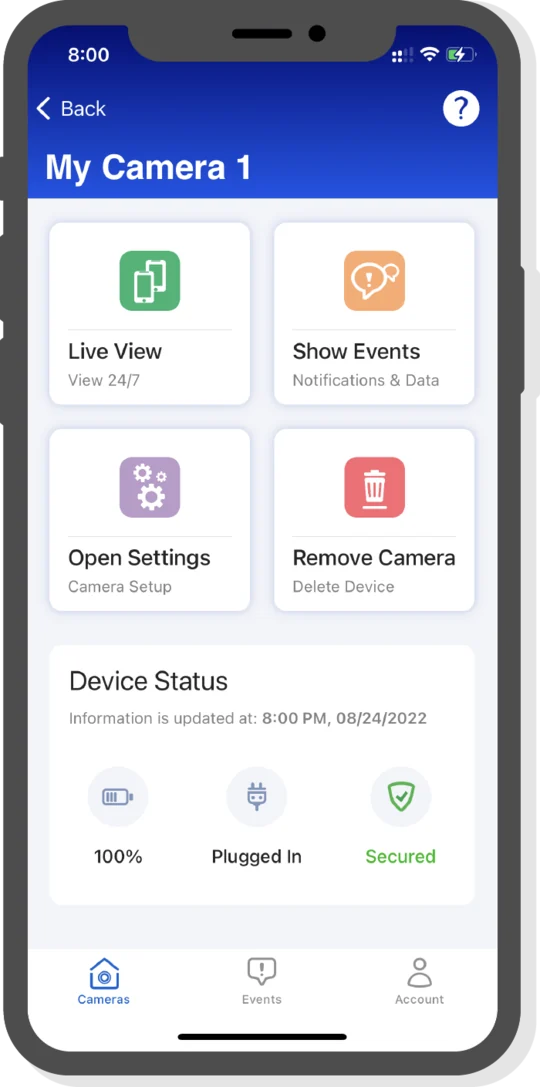
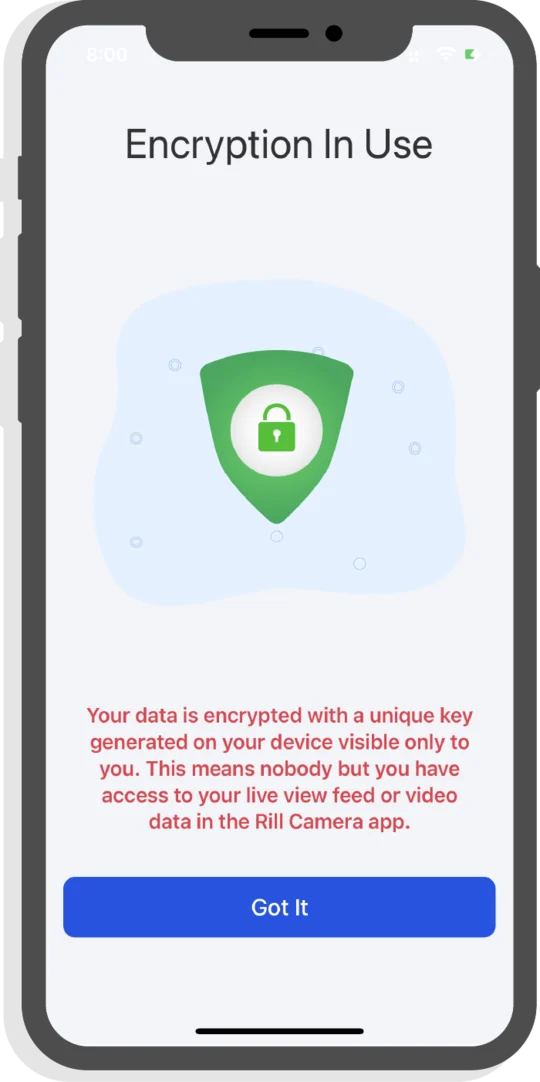
The Rill Camera app uses strong cryptography based on elliptical curves. Your Rill Camera data is encrypted with a unique key generated on your device. This means nobody but you has access without the key to your Rill Camera feed and data.
Get the Rill Camera and use it as:
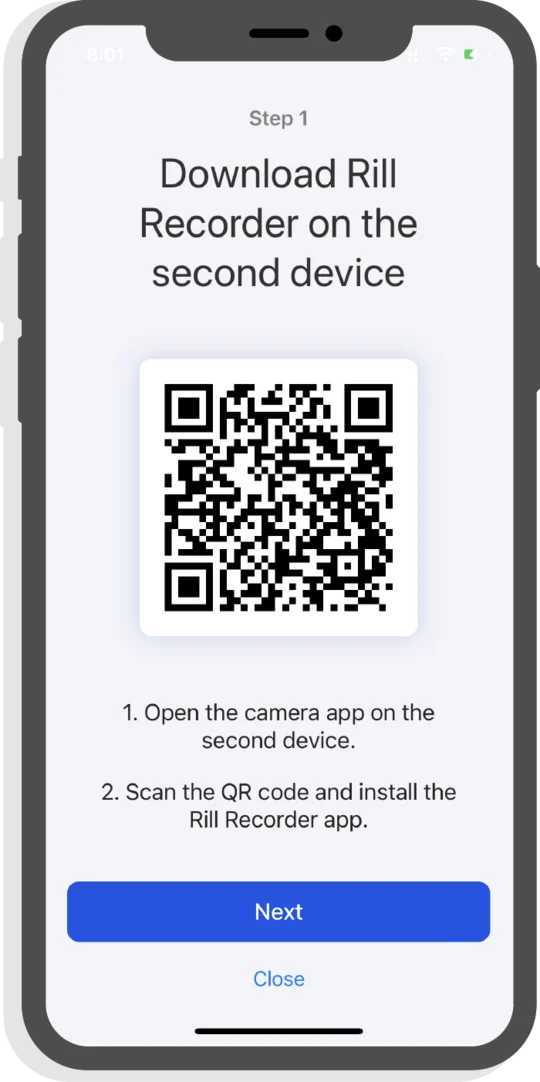
Take with you
Take two devices. Install Rill Camera on your main device.
Follow the instructions on your main device to download the Rill Recorder app on your secondary device.
Pair devices with unique QR code, generated on your main device.
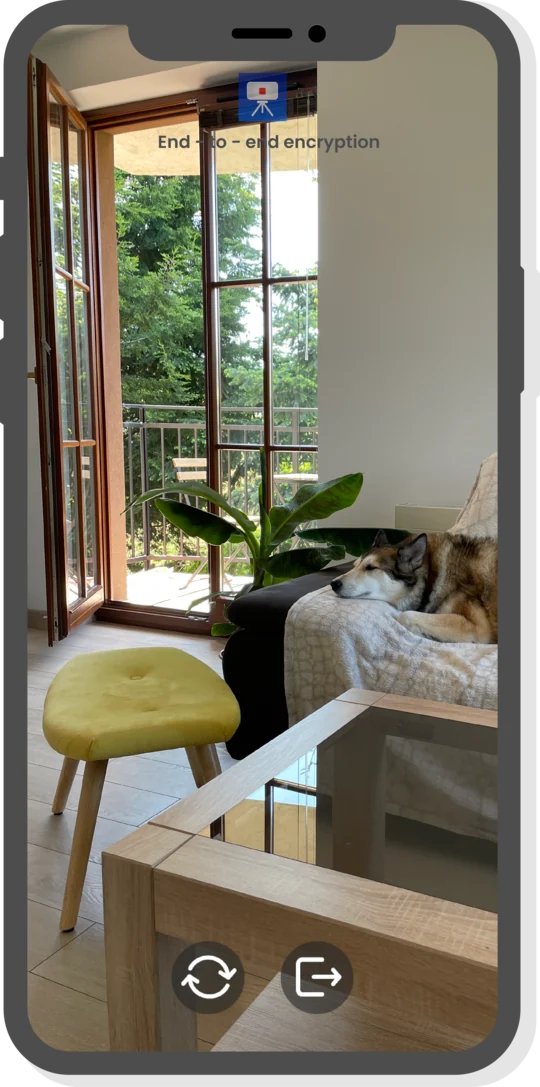
Leave at home
Sound and Motion detectionA unique integrated sound and motion detection system that keeps you constantly informed.
 All your data is encrypted
The use of cryptography provides full protection of data on private devices and allows secure storage of data on servers.
 Live view mode
Connect to a remote device at any time and watch a live view feed.
 Real-time Device Control
Remote control of the camera app: video quality, detection sensibility, notifications, and more
 Event notifications
Stay up to date with sound, motion, and battery level notifications
 Two-way Talk
Live view talking via camera device by one button click
Get the Rill Camera app on your phone or tablet and try it for free